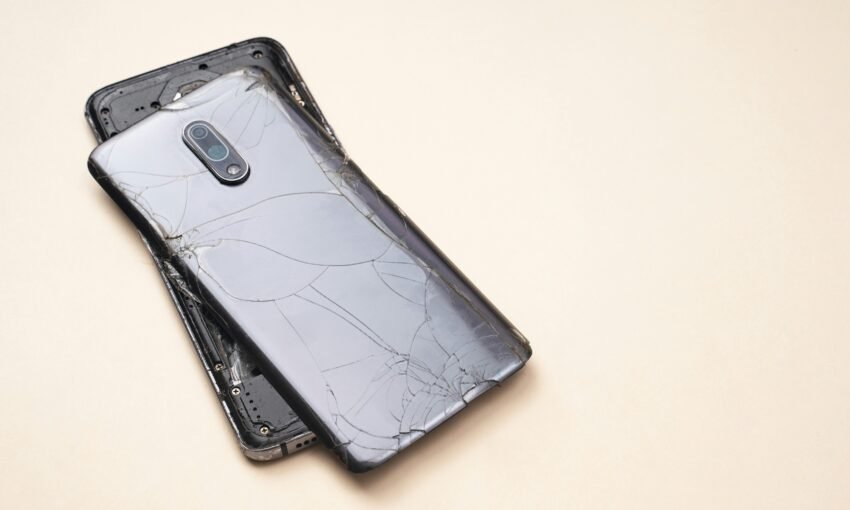
Smartphone repair in Abu Dhabi can help you restore a damaged, slow, or unreliable phone without the expense of replacing the entire device. A smartphone is now essential for work, navigation, banking, communication, photography, shopping, and everyday organisation. When its screen breaks, battery drains, charging stops, or software freezes, even a small fault can interrupt your routine. The right repair starts with an accurate diagnosis, safe handling of your data, suitable replacement parts, and clear information about cost and warranty.
This practical guide explains common iPhone and Android problems, what you can safely check at home, when a technician should inspect the device, how repair decisions are made, and what to ask before approving a job. It is written for phone owners in Abu Dhabi and across the UAE who want to make an informed decision. Repair times and prices depend on the model, fault, part availability, and inspection; always request a device-specific quotation before work begins.
What Does Smartphone Repair Include?
Smartphone repair is the process of identifying and correcting faults in a mobile phone. It can involve hardware, software, or a combination of both. Hardware work may include replacing a damaged display, fitting a new battery, repairing a charging connector, replacing a camera module, cleaning liquid contamination, or diagnosing a board-level fault. Software support may involve resolving boot loops, failed updates, app crashes, storage problems, or operating-system errors.
A reliable repair should begin with a diagnosis rather than an automatic part replacement. For example, a phone that will not charge may have a damaged cable, a faulty adapter, lint inside the port, a worn connector, a depleted battery, or a charging circuit problem. Replacing the port without testing these possibilities can waste money and leave the real fault unresolved.
Professional smartphone repair should also include suitable testing after the work. Depending on the job, a technician may check display brightness, touch response, cameras, microphones, speakers, buttons, charging, wireless connections, biometric functions, and battery behaviour. Ask which tests are included and whether the repair carries a written warranty.
Common Smartphone Repair Problems
1. Cracked Screen, Broken Glass, or Display Failure
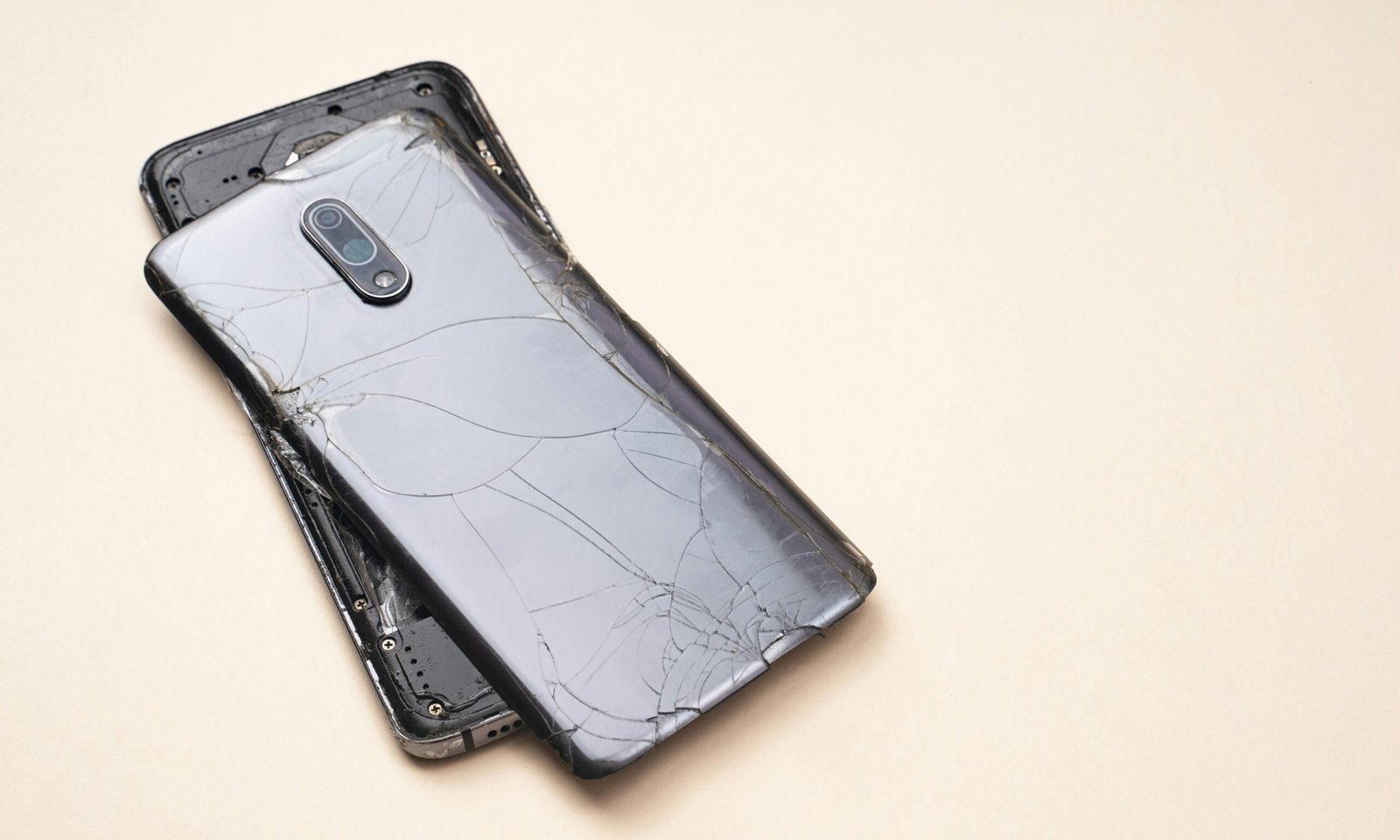
A phone can suffer screen damage after a drop, impact, pressure in a bag, or accidental bending. Sometimes the outer glass cracks while the image and touch functions remain normal. In other cases, the display shows coloured lines, black patches, flickering, dead pixels, or areas that no longer respond to touch. OLED and AMOLED panels can be particularly costly because the display assembly is more complex than a simple protective glass layer.
Before booking a screen repair, describe exactly what you see. Tell the technician whether the image is visible, whether touch works across the whole screen, whether the glass is shattered, and whether the phone has been exposed to liquid. Do not press hard on a damaged panel or attempt to remove loose glass with a sharp tool. Use a temporary screen protector only if it can be applied without pressing fragments into the display, and keep the device away from children until it is repaired.
A technician should confirm whether the phone needs a complete display assembly or another repair. Ask about the replacement panel type, expected brightness and colour performance, touch responsiveness, fingerprint or Face ID compatibility where relevant, and any limitations compared with the original component. After the work, test the full touch area, typing, scrolling, auto-brightness, proximity sensor, and front camera.
2. Battery Draining Quickly or Unexpected Shutdowns
All rechargeable lithium-ion batteries gradually lose capacity. Age, charging cycles, heat exposure, demanding apps, and heavy use can make a phone run out of power sooner than it once did. Warning signs include a percentage that falls unusually quickly, sudden shutdowns, inconsistent charging, or a device that becomes warm during light use. On supported iPhone models, Battery Health can provide useful information, while Android manufacturers offer different battery diagnostics and usage screens.
Start by checking battery usage in Settings. Look for an app consuming an unusual share of power, install pending system updates from the official settings menu, reduce unnecessary background activity, and check whether poor mobile reception is forcing the phone to work harder. These steps may improve battery life, but they cannot restore a physically aged battery.
If the battery is swollen, the screen is lifting, the back cover is separating, or the phone becomes dangerously hot, stop using and charging it. Do not press, puncture, bend, or attempt to remove a swollen battery. Keep it away from heat and combustible materials and arrange professional handling. Battery replacement should use a compatible, good-quality component and include checks for charging, temperature, and normal operation.
3. Phone Not Charging or Charging Slowly
Charging faults are not always caused by the phone itself. A damaged cable, low-quality adapter, loose wall socket, dirty connector, moisture warning, or incompatible accessory can interrupt charging. Inspect the cable and adapter for visible damage and test with a known-good, manufacturer-approved or standards-compliant charger. If the phone displays a moisture alert, disconnect the cable and follow the manufacturer’s drying instructions. Do not insert metal objects, liquids, or sharp tools into the port.
Lint can become compacted inside a charging connector, especially when a phone is carried in a pocket. If you cannot see or safely remove debris without force, let a technician clean and inspect it. A port that feels loose, only works at a certain cable angle, or repeatedly disconnects may have physical damage. The issue can also involve the battery or internal charging circuit, so diagnosis matters.
For more troubleshooting steps, read our guide to fixing a phone that charges slowly. If an iPhone will not charge, our iPhone charging troubleshooting guide may also help you identify basic checks before arranging a repair.
4. Water and Liquid Damage
Liquid damage can occur after a phone is dropped in a sink, exposed to rain, splashed at the beach, or affected by a drink spill. Water-resistance ratings are not a promise that a phone is waterproof forever. Seals can wear, a previous repair may affect them, and resistance can vary with depth, time, temperature, and liquid type. Salt water, sugary drinks, soap, and other liquids can leave residues that cause corrosion.
If a phone gets wet, disconnect accessories and power it off if it is safe to do so. Do not charge it, use a hair dryer, place it on a heater, shake it aggressively, or put it in rice. Remove the case and gently wipe the outside with a soft dry cloth. Follow the manufacturer’s guidance and seek professional assessment promptly, especially if the phone contains important data or shows unusual behaviour.
Liquid damage is time-sensitive because corrosion may continue after the outside appears dry. A technician may need to inspect internal indicators, connectors, the battery, and the main board. Not every liquid-damaged phone can be restored, and no responsible repairer should guarantee data recovery before diagnosis. Ask for an explanation of the likely risks and whether the proposed work is intended to restore operation or recover data.
5. Camera, Flash, and Focus Problems
A camera may show a black preview, fail to focus, shake, produce blurry images, or display a warning. First remove any case or lens accessory that could obstruct the camera. Clean the exterior lens glass with a clean microfibre cloth, restart the phone, close and reopen the camera app, and check for official software updates. Test both front and rear cameras in more than one app to see whether the fault is limited to a particular application.
If the lens cover is cracked, the camera module rattles, focus fails consistently, or the preview remains black after basic checks, hardware inspection may be needed. A damaged camera module, connector, stabilisation system, or motherboard circuit can produce similar symptoms. Ask the technician to identify which camera is affected and to test photo, video, focus, flash, and switching between lenses after repair.
6. Speaker, Microphone, and Earpiece Faults
Callers may hear you faintly, voice recordings may sound distorted, or media may play with crackling or no sound. Dust, lint, moisture, software settings, Bluetooth routing, and damaged components can all cause audio problems. Check volume levels, silent or focus modes, Bluetooth connections, and whether the issue happens during calls, speakerphone, voice notes, and video recording. Remove accessories that cover microphone openings.
A technician can inspect speaker meshes, microphones, earpiece assemblies, flex cables, and audio circuits. Avoid poking openings with pins or applying cleaning liquid directly to the phone. After repair, test a normal call, speakerphone, voice recording, video audio, and media playback. This helps confirm that both input and output sound are working as expected.
7. Phone Overheating
Phones can become warm while charging, gaming, recording video, using navigation, or installing updates. Heat becomes a concern when it is excessive, continues during light use, triggers repeated temperature warnings, or is accompanied by swelling, shutdowns, or a burning smell. High ambient temperatures in the UAE can add to the heat generated by the phone, so avoid leaving devices in direct sunlight or inside parked vehicles.
Close demanding apps, remove the phone from direct sun, disconnect the charger if the device is unusually hot, and allow it to cool naturally in a safe place. Do not put it in a refrigerator or freezer because condensation can cause further damage. If overheating returns during ordinary use, arrange an inspection. A failing battery, charging fault, damaged component, or software process may be responsible. See our guide to phone overheating causes and fixes.
8. Freezing, Restarting, and Software Errors
A phone that freezes, restarts repeatedly, or becomes stuck on its logo may have low storage, a problematic app, a failed update, corrupted system files, or a hardware issue. If the phone still responds, restart it normally, check available storage, remove recently installed apps that may be causing problems, and install official updates after backing up important data. Use the manufacturer’s recovery instructions for your exact model.
A factory reset can erase personal information, so do not use it as the first step when you have not backed up your files. If the device cannot start, ask whether a repair attempt could affect stored data and whether data recovery is possible. Software restoration, board repair, and data recovery are different services; clarify the goal before authorising work.
9. Buttons, Fingerprint Sensors, and Face Recognition
Power and volume buttons can become stuck, loose, or unresponsive after impact or wear. Fingerprint readers and face recognition can fail because of dirt, damaged sensors, screen replacement issues, settings changes, or software faults. Clean the external surface gently, remove obstructive screen protectors where appropriate, restart the phone, and check the relevant security settings.
Biometric features are model-specific and may require compatible parts, calibration, or authorised procedures. Ask the repairer whether the proposed repair is expected to preserve fingerprint or face recognition. Do not share your device passcode unnecessarily; if testing requires access, agree on a safe procedure and remain present when possible.
iPhone and Android Smartphone Repair: What Is Different?
iPhone and Android devices share many repair categories, but their construction, software, parts, and service procedures vary. An iPhone screen or battery repair may involve model-specific adhesive, pairing or calibration considerations, and feature checks. Android phones cover a wide range of manufacturers and designs, including Samsung Galaxy, Google Pixel, Xiaomi, Oppo, OnePlus, Huawei, and other brands. Even phones from the same manufacturer can use different displays, connectors, batteries, and internal layouts.
For iPhone repair, identify the exact model and storage variant where relevant. Ask whether the display, battery, camera, or charging component is compatible with that model and whether any system messages or feature limitations may appear after replacement. Check Face ID, True Tone where supported, cameras, speakers, and charging after service.
For Samsung and other Android phone repair, provide the full model number if possible. A device name such as Galaxy S series or A series is not always specific enough to identify the correct part. Confirm whether the screen is LCD, OLED, or AMOLED, whether the fingerprint reader is integrated into the display, and whether the replacement component supports the device’s features.
Whatever the brand, avoid choosing a repair solely because it is advertised as the cheapest. Compatibility, part quality, technician experience, testing, and warranty terms all affect the result.
Smartphone Repair Cost in Abu Dhabi: What Affects the Quote?
There is no single price for every smartphone repair. The final quote depends on the exact model, the type and extent of damage, the quality and availability of the replacement part, labour, and whether additional faults are discovered during diagnosis. A newer flagship OLED screen will generally have a different cost from a basic battery replacement on an older budget phone. Board-level work also requires specialist skills and may take longer than replacing a modular component.
Before approving a repair, request a written or message-based quotation that explains the diagnosis, parts, labour, estimated turnaround, and warranty. Ask whether the quoted price includes testing and whether it could change if another fault is found. A trustworthy repair provider should contact you for approval before carrying out additional paid work.
Compare like with like. Two quotes are not directly comparable if one uses a different screen grade, excludes labour, or offers no warranty. Ask whether the part is original, service-pack, refurbished, or aftermarket, and request a plain-language explanation of the differences. Do not rely on vague claims such as “best quality” without details.
It can be useful to compare the repair quote with the current value of the phone and the cost of a suitable replacement. Consider the phone’s age, performance, software support, battery condition, and whether other faults are likely. A repair may be sensible when it restores a device you otherwise like and use every day. Replacement may make more sense if several expensive components have failed or the phone no longer receives important security updates.
How to Choose a Reliable Smartphone Repair Service in Abu Dhabi
Check the Diagnosis and Explanation
A good technician should explain what has been tested, what appears to be faulty, and what repair is recommended. Be cautious if someone immediately insists on replacing several parts without checking the device. Ask whether the diagnosis is confirmed or preliminary and whether there is a diagnostic fee if you decide not to proceed.
Ask About Replacement Part Quality
Different grades of replacement components can vary in brightness, colour, touch response, battery capacity, durability, and compatibility. Ask what type of part will be installed and whether you can choose between options. The cheapest part is not always the best value if it performs poorly or fails quickly.
Get Warranty Terms in Writing
Confirm how long the repair warranty lasts, what it covers, and what exclusions apply. A warranty may cover a replacement component or workmanship but exclude new accidental damage, liquid exposure, or unrelated faults. Keep the receipt or written confirmation so you can refer to the agreed terms if a problem returns.
Look at Reviews and Communication
Read recent customer feedback and look for specific comments about communication, pricing, turnaround, and how problems were handled. A large number of generic five-star comments is less useful than detailed experiences. Notice whether the business responds professionally to complaints and explains its process clearly.
Protect Your Privacy
Your phone may contain private photos, messages, banking apps, work files, and identity documents. Back up important information before service. Ask why a passcode is needed, whether testing can be done without accessing personal content, and how the device will be stored. Sign out of sensitive apps if appropriate, remove payment cards from wallets if necessary, and never share banking passwords or one-time codes with a repair provider.
Confirm Collection and Delivery Details
If you use a pickup or delivery service in Abu Dhabi, confirm the collection address, expected time window, device condition record, contact person, and return arrangements. Ask how the phone will be protected during transport and whether the diagnosis and price approval happen before repair begins. Do not assume same-day service is available for every model or fault; parts and diagnostic findings can affect timing.
What to Do Before Giving Your Phone for Repair
- Back up your data. Use the manufacturer’s cloud service or a trusted computer backup where possible.
- Record the device condition. Take clear photos of the front, back, sides, and existing damage.
- Remove accessories. Take off the case, SIM card, and memory card if the technician does not need them.
- Write down the fault. Note when it started, what happened beforehand, and which functions are affected.
- Protect account access. Do not provide passwords, banking codes, or one-time verification codes. Follow the manufacturer’s repair-preparation guidance for security locks.
- Agree on the price first. Ask for the diagnosis, quotation, expected time, and warranty before authorising work.
- Keep your receipt. Save the job number, contact details, and agreed repair terms.
What Should Be Tested After Smartphone Repair?
Do not leave the repair location without checking the functions related to the job. For a screen replacement, test touch response from edge to edge, brightness, colour, typing, scrolling, front camera, proximity sensor, and fingerprint functions where applicable. For a battery replacement, check charging, battery percentage behaviour, temperature, and whether the phone restarts normally. For a charging-port repair, test cable connection, charging stability, data transfer if supported, and accessory compatibility.
For camera work, take photos and videos with each available lens and test focus and flash. For audio repairs, make a call, record a voice note, test speakerphone, and play media. After water-damage service, ask what was cleaned or replaced and what ongoing risks remain. Keep the repair receipt and test the phone again at home under normal conditions.
DIY Checks You Can Safely Try Before Booking a Repair
Some problems have simple causes. Restarting a phone can resolve temporary software glitches. Trying a known-good charging cable and adapter can help identify a faulty accessory. Removing a case may reveal that a button is being held down. Checking storage and battery usage may uncover an app problem. Cleaning the outside of a screen or camera lens with a suitable microfibre cloth can improve visibility.
Keep DIY work limited to steps that do not require opening the phone, heating it, puncturing components, or applying liquid. Do not attempt a battery replacement without proper training and tools. Do not use metal picks inside charging ports, force a connector, or continue charging a device that is wet, swollen, or unusually hot. If a phone contains important data, avoid repeated experiments that could make the fault worse.
When basic checks do not solve the problem, professional smartphone repair can help identify whether the fault is in an accessory, replaceable module, software, or main board. Share the steps you have already tried so the technician can avoid repeating unnecessary work.
Repair or Replace: How to Make the Right Decision
Repair is often worth considering when the phone is otherwise reliable, the fault is limited to one component, parts are available, and the cost is reasonable compared with replacement. A new battery or screen can extend the useful life of a device and help you avoid transferring data and learning a new phone. Repair can also reduce electronic waste by keeping a working product in use for longer.
Replacement may be more practical when the phone has multiple major faults, the motherboard is severely damaged, essential parts are unavailable, performance is no longer adequate, or the device has reached the end of software support. Think about security updates as well as hardware condition. A phone that works physically but no longer receives security updates may not be suitable for sensitive banking or work tasks.
Ask the technician for a clear estimate and compare it with the cost of a replacement device that meets your needs. Include any likely future repairs, battery condition, warranty coverage, and the value of your stored data. The best decision is the one that offers dependable use and sensible long-term value, not automatically the newest or cheapest option.
How to Reduce the Need for Future Smartphone Repair
- Use a well-fitting case and a quality screen protector to reduce everyday impact damage.
- Keep the phone out of direct sunlight and hot vehicles, especially while charging.
- Use reputable chargers and cables that meet the phone manufacturer’s requirements.
- Keep the operating system and apps updated through official channels.
- Maintain free storage space and remove apps you no longer use.
- Keep liquids away from the device, even if it has a water-resistance rating.
- Avoid bending the phone or carrying it where it may be crushed.
- Back up important data regularly rather than waiting for a fault.
- Investigate unusual heat, swelling, charging interruptions, or screen lifting promptly.
Prevention cannot eliminate every accident or component failure, but sensible habits can reduce avoidable damage. A protective case cannot guarantee that a screen will never break, and water resistance does not make a phone safe for every liquid situation. Treat protection features as an extra layer of defence rather than permission to take risks.
Smartphone Repair in Abu Dhabi: What Local Customers Should Consider
Abu Dhabi residents may use their phones throughout long workdays, commutes, outdoor activities, and travel. Heat, dust, sand, and frequent movement can affect how a device is used and stored. Avoid leaving a phone on a dashboard, beside a sunny window, or in a parked car. If sand enters a port or speaker opening, do not force a tool inside; ask for safe cleaning if the debris is compacted.
When choosing a local repair service, confirm the service area, collection arrangements, availability for your exact model, and whether a diagnosis is required before a final quote. Ask how long the repair is expected to take and whether the part is in stock. If you depend on your phone for work, ask whether there is a practical way to minimise downtime, but do not accept an unrealistic promise before the device has been inspected.
JustFix UAE provides repair-related services for phones and other devices. If you need help, use the contact page to ask about your model and describe the fault. For broader device support, you can also explore our information about laptop repair in Abu Dhabi.
Frequently Asked Questions About Smartphone Repair
How long does smartphone repair take?
Timing depends on the model, fault, part availability, and the tests required. Some modular repairs may be completed the same day when the correct part is available. Liquid damage, motherboard work, data recovery, and faults that require ordering parts can take longer. Request an estimate after diagnosis rather than relying on a general time promise.
Can my phone be repaired without losing data?
Many hardware repairs do not require deleting personal data, but no repair process is completely risk-free. Software restoration, storage faults, and some motherboard problems can affect data. Back up the phone before service whenever possible and tell the technician if data preservation is your priority.
Is smartphone repair cheaper than buying a new phone?
It often is, especially when the fault is limited to a screen, battery, or charging component. However, the exact model and damage matter. Compare the written repair quote with the price and features of a suitable replacement, and consider software support and any other existing faults.
Can a water-damaged smartphone be repaired?
Some liquid-damaged phones can be restored, but the outcome depends on the type of liquid, how long it remained inside, the affected components, and whether corrosion has developed. Turn the phone off, do not charge it, avoid heat or rice, and arrange professional assessment promptly.
Should I use original or aftermarket replacement parts?
The best choice depends on your model, budget, and expectations. Original or manufacturer-supplied parts may offer the closest match to factory specifications, while reputable aftermarket parts can provide a lower-cost alternative. Ask what will be installed, what features may be affected, and what warranty applies.
Will a screen replacement affect Face ID or fingerprint unlocking?
It depends on the phone model, the part, and the repair procedure. Some sensors are paired or calibrated, and some are integrated into the display assembly. Ask the repairer to confirm compatibility before work and test biometric unlocking after the repair.
Can I charge my phone if it has been exposed to water?
No. Disconnect the charger and do not attempt wired or wireless charging until the device has been assessed and is safe to use. Charging a wet device can cause further damage. Follow the manufacturer’s liquid-exposure guidance and seek professional help if the phone behaves unusually.
How do I know if my phone battery is swollen?
Possible signs include a screen or back cover lifting, a gap appearing along the frame, or the phone rocking on a flat surface. Do not press the case closed, puncture the battery, or continue charging the phone. Stop using it and arrange safe professional handling.
Do repair shops provide a warranty?
Warranty terms vary by provider and repair type. Ask for the duration, what parts and labour are covered, and what exclusions apply. Keep written proof of the agreed terms and receipt.
What should I do if my phone keeps restarting?
Check whether storage is nearly full, restart the device if possible, and review recently installed apps or updates. Back up your data before attempting a reset. If the phone remains stuck in a restart loop or becomes unusually hot, stop repeated restart attempts and arrange diagnosis.
Can a charging port be cleaned instead of replaced?
Sometimes. Compacted lint or debris may prevent a cable from connecting fully, but a loose or damaged connector may need repair. Avoid metal tools and liquids. A technician can inspect the port and determine whether cleaning or replacement is appropriate.
Do you repair both iPhone and Android phones?
Repair options depend on the exact model and fault. When contacting a service provider, share the brand, full model name or model number, and a short description of the issue. This helps confirm whether the correct parts and expertise are available.
Final Thoughts: Choose the Right Smartphone Repair, Not Just the Fastest Fix
A damaged phone does not always need to be replaced. With a careful diagnosis, compatible parts, responsible data handling, and proper testing, smartphone repair can restore useful life to many iPhone and Android devices. The most important step is to understand the actual fault before spending money. Try only safe external checks, stop using a device that is wet or has a swollen battery, and ask questions before approving internal repairs.
For smartphone repair in Abu Dhabi, provide the exact phone model and symptoms, request a clear quotation, confirm the part quality and warranty, and keep a record of the service. If you need assistance with a phone problem, contact JustFix UAE to ask about the next steps. A well-informed repair decision can save time, protect your information, and help you get back to using your phone with confidence.